Equipment
Track machines, operating hours, photos, manuals, and maintenance.
Lawn Equipment Manager helps individuals and repair shops stay ahead of maintenance and keep every job organized.
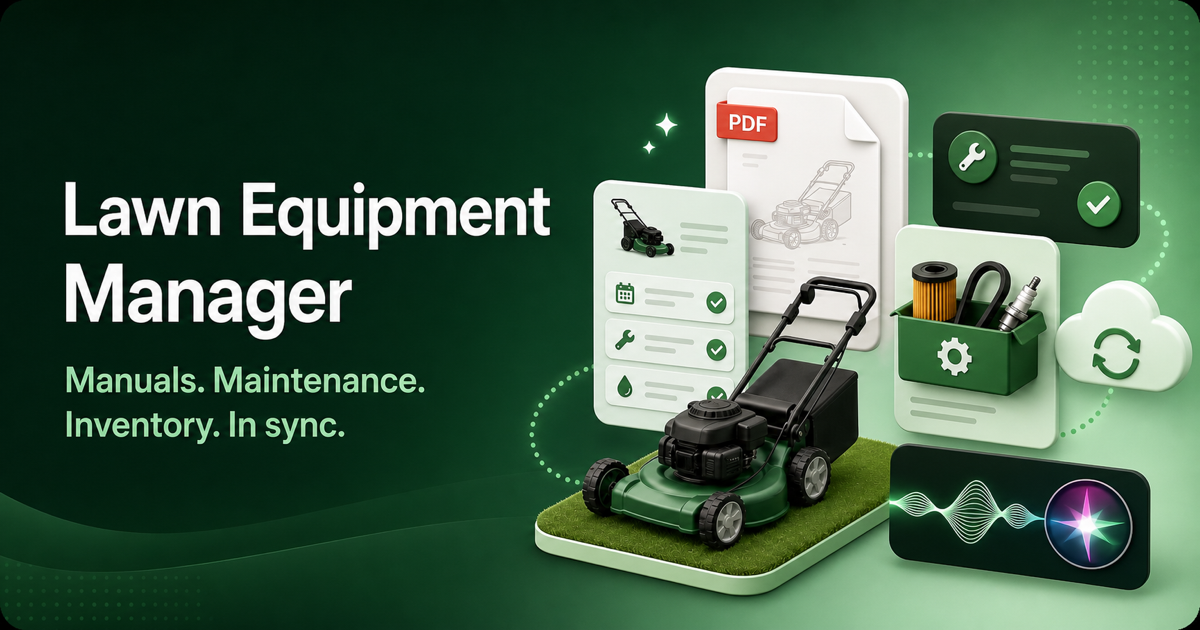
Track machines, operating hours, photos, manuals, and maintenance.
Scan searchable or image-based manuals for equipment details, maintenance, storage, and page-linked troubleshooting.
Ask what equipment needs service or which parts should be ordered.
Give each mechanic an assigned day, week, and month schedule with job-status and parts-used tools.
Manage inventory, pricing, suppliers, low-stock alerts, and reorder needs.
Share schedules, reminders, quotes, and ready-for-pickup updates in one customer inbox.
Send parts-and-labor quotes and receive a clear customer approval or denial before work begins.
Offer private availability, collect drop-off or reschedule requests, and approve every appointment.
Find equipment near or past its hour-based maintenance threshold and invite selected customers to schedule.
Confirm equipment intake and AirPrint a numbered, signature-ready receipt.
Use shop-wide status names and permissions that stay consistent on staff and customer devices.
Show shop contact details, keep personal records separate, and let customers leave or reconnect by invitation.
Create polished invoices, AirPrint them, or share a PDF.
Sync records, pictures, permissions, statuses, customer updates, and team changes.
Mechanics see only their assigned work across day, week, and month views. From each job they can update status, record parts used, and mark equipment ready for pickup.
Marking work ready updates the equipment, publishes a customer message, and sends a notification. Shops control which staff roles may change equipment statuses.
Shops can send parts-and-labor quotes through Messages. Customers open the quote from the message and approve or deny the proposed repair work.
Schedule notices, appointment reminders, quotes, and shop updates have clear actions. Customers can mark messages read, clear them, schedule a drop-off, or request a new appointment time.
Shops set a shared operating-hour threshold for Home and Service Notifications, then filter for near-due or overdue equipment. Personal garages have their own device-level threshold.
Start with practical labels such as Needs Service, In Repair, In Storage, Ready for Use, and Retired. Shops and personal users can rename statuses, and shop changes appear on connected customer devices.
The customer interface shows contact details supplied by the shop and hides shop-only settings and subscription controls. Customers may leave a shop and reconnect later only through a new invitation.
Long maintenance instructions can be expanded, while winterization, storage, maintenance, and troubleshooting guidance opens directly to the relevant manual page.
Manual import now focuses on pages written in the device language, including OCR for scanned pages. This keeps results relevant when one PDF contains several translated editions.
Imported tasks must be supported by wording found in the manual. Electric equipment is protected from combustion-only suggestions such as spark-plug, gasoline, or engine-oil service.
Shops choose whether connected customers can see routine maintenance, winterization and storage, or troubleshooting guidance. The manual PDF and private shop notes remain private.
Paused analysis can be resumed, and imported maintenance, storage, and troubleshooting details can be cleared before scanning the correct manual again without removing service history.
Customer portal changes, equipment submissions, claim tickets, and shared manual guidance refresh more consistently while keeping personal inventory separate from shop-managed records.
The app now explains that force-quitting from the App Switcher pauses shared-data alerts. Leave the app in the background, or reopen it after a force quit, to resume sync and notifications.
Free includes up to 5 equipment records, 5 parts, and 5 customers. Pro removes record limits, supports up to 2 invited employees, and may be tried free for 7 days before billing begins. Cancel during the trial to pay nothing. Business adds customer-app connections: 5 for $4.99 monthly or $49.99 yearly, 25 for $9.99 monthly or $99.99 yearly, or 50 for $14.99 monthly or $149.99 yearly. Every Business tier supports up to 20 invited employees. Staff use the workspace owner's active plan and do not purchase it again.